Organize Apparel Artwork: Keep Files, Design Versions and Approvals Clear
A good artwork handover makes it clear which design belongs on each garment. Use simple file names, one order breakdown and a single approved reference to keep the job easy to follow.
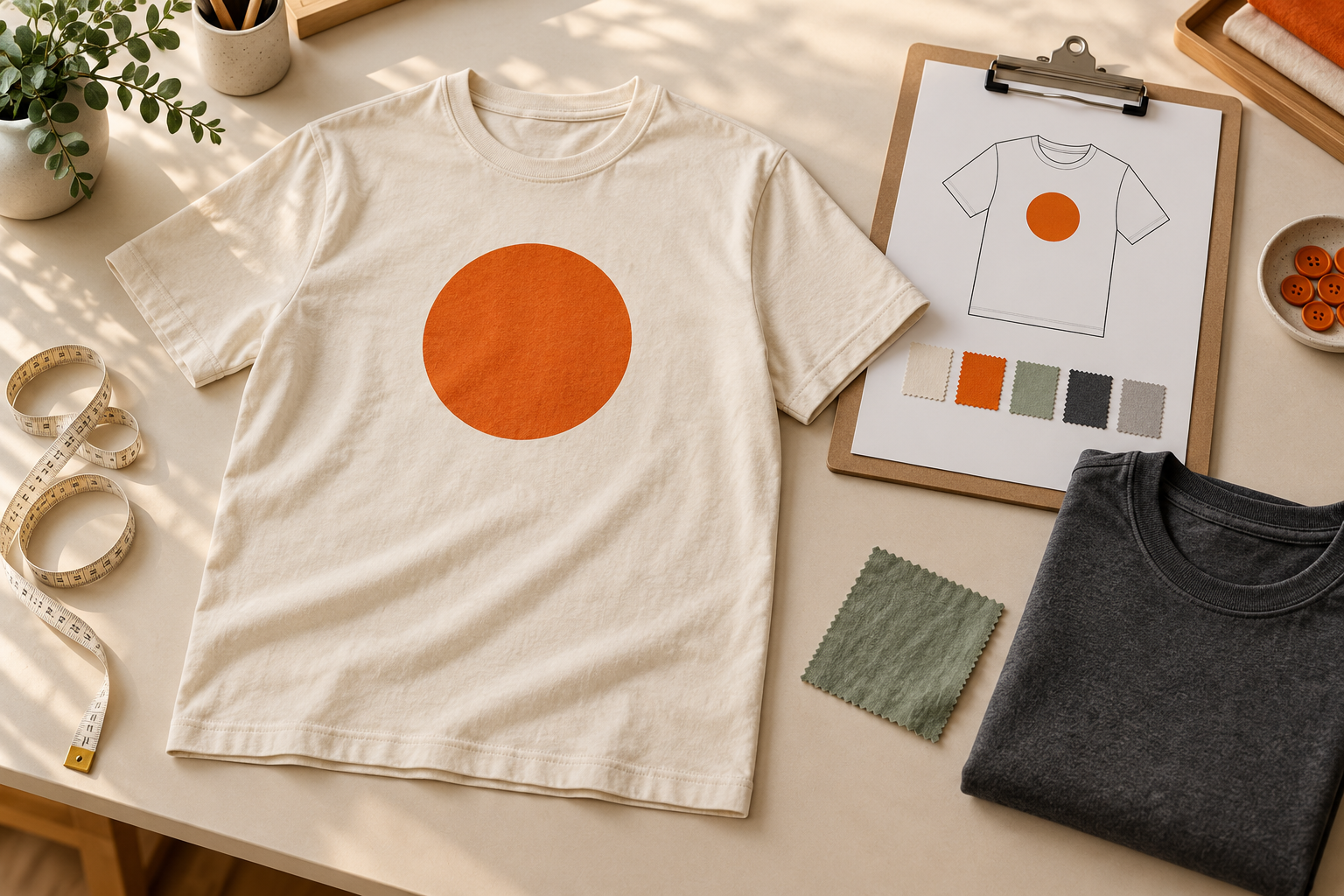
Keep one untouched original
Save the best original artwork separately from the copies prepared for an apparel order. If you have an editable source file, keep it with its supporting assets. A screenshot of a design is useful as a reference, but it should not replace the original file when that file is available.
Create working copies for crops, colour variations or simplified versions. This gives you a clear way back to the original if a change needs revisiting. Avoid repeatedly saving over the only copy while trying different garment layouts.
Name files so another person can match them
Choose names that describe the design and intended use. Include a version marker where needed, and use the same words in the order breakdown and reference images. Names such as mountain-front-v2 or wordmark-sleeve-v1 are easier to match than several files all called final.
The file name does not replace written dimensions or production instructions. It is a label that helps people connect the right pieces. If you change the artwork after sending it, identify the replacement clearly and say which earlier version it supersedes.
Separate artwork from layout references
Send the artwork file and the garment mockup as distinct items when you have both. The artwork provides the design; the mockup helps explain its intended location and appearance. Make it clear which image is a reference rather than something to print in its entirety.
Where several garments or designs are involved, label each reference consistently. One clearly identified garment view is easier to discuss than a collage with several nearly identical options. Our placement guide covers the details to consider when choosing a location.
Build one design-to-garment breakdown
Use a simple list or table showing the garment, colour, design version and decoration location for each group. Keep the quantity and size breakdown connected to that group. Someone reviewing the order should be able to tell which artwork goes on which products without reconstructing a message history.
For example, separate a navy shirt with a light front design from a cream shirt using a dark version, even if both belong to the same overall order. State any exceptions explicitly. Do not rely on an attachment's position in an email to communicate that relationship.
Consolidate changes before approval
Choose one person to gather feedback and send a complete revision list. Numbering the changes can help distinguish artwork edits from garment or quantity changes. If two reviewers request different versions, resolve that choice before asking for an updated proof.
Review the revised mockup against the full list rather than checking only the latest edit. Our mockup approval guide explains how to assess the garment, artwork and written specifications together. Keep the approval attached to the specific version reviewed.
Archive a useful reorder reference
Once the order is finalized, keep the approved artwork, mockup, product details and order reference in one folder. Move superseded versions into a clearly marked archive so they remain available without competing with the approved files.
When reordering, send the reference and explain what has changed. A new garment colour, placement or design detail may require another review. Use our reorder checklist to collect the information before requesting the next quote. Clear records help the next order start from an agreed version.
