Photo T-Shirts: Choose an Image That Will Print Clearly
A good photo shirt starts with the original image and a clear idea of the finished design. Check the crop, detail and print dimensions before approving the mockup.
Send the original photograph where possible
Start with the file from the camera or phone, rather than a screenshot of the image in a message or social feed. Sharing and downloading can produce smaller copies. If you have several versions, keep the original and tell us which image you want to use.
A sharp photograph provides a stronger starting point than one that is already blurred or heavily compressed. Increasing the file dimensions does not restore missing detail. If the only available photo is an older or smaller image, send it for review before building the whole design around a large print.
Decide the physical print size
Describe the intended artwork size in inches or centimetres. A small chest image and a large front photograph ask different things of the same file. Include the exact garment if you have selected one, because its size and construction affect the usable area.
For example, a 10 by 12 inch image at 300 pixels per inch corresponds to 3,000 by 3,600 pixels. The relevant question is how much detail the file contains at the proposed print size. Changing a resolution label alone does not create new image information.
Choose the crop before adding text
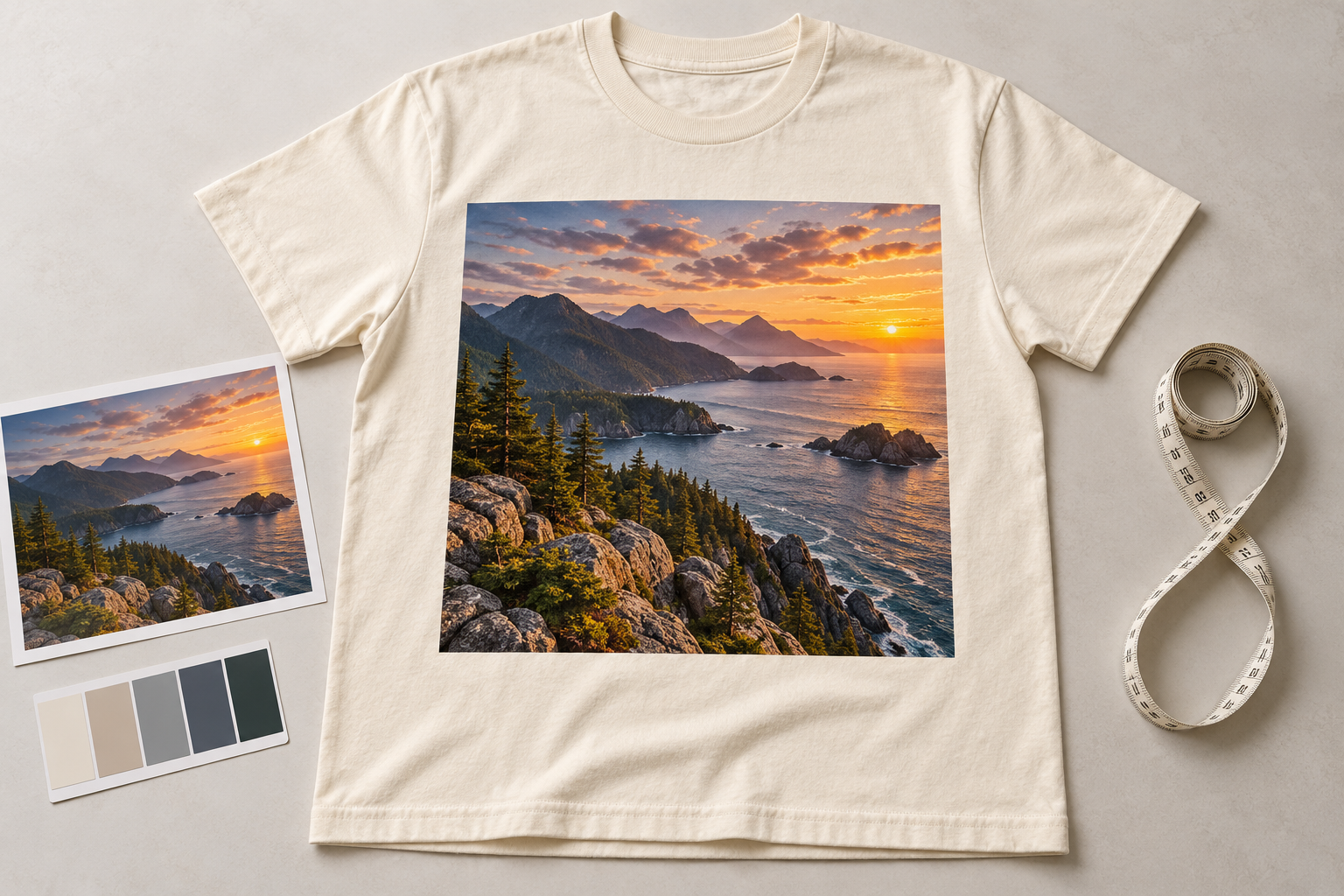
Look at what will remain inside the final design. Decide whether you want the whole scene, a closer crop or an isolated subject. Check faces, important objects and the horizon before committing to a rectangular shape or another layout.
If the design includes a caption, date or name, supply the wording as text and proofread it separately. Keep it readable at the finished size. A photograph that fills a screen may still need a simpler layout once the text and garment are considered together.
Be explicit about the background
A rectangular photograph can intentionally include its original background. A cut-out subject is a different design choice and may need artwork preparation. Tell us which result you want rather than assuming a white area in a preview will disappear.
When transparency is required, use a file format that supports it, such as PNG, and check the exported result. A white background saved inside the image is still part of that image. Ask for review if you are unsure whether the file contains the intended transparent areas.
Choose the garment colour with the photo in mind
Compare the image against the actual shirt colour. A pale sky or dark clothing within the photograph can blend visually with the surrounding garment, changing the edge of the design. A border, deliberate rectangle or different crop may help define it.
Screen brightness and lighting can affect your impression of colour. A mockup is useful for reviewing composition and placement, while the final garment and decoration are physical materials. Explain any details or colours that are especially important to the project.
Discuss the printing method for the actual artwork
Photographs contain many tones and details, so the design should be reviewed with the product and quantity together. Our DTF printing service is one option to discuss for detailed, multicolour artwork. The recommendation should follow the brief rather than the file extension alone.
If your design is being prepared for a bulk DTF gang sheet instead of a finished garment order, use the separate gang-sheet artwork guide. That submission has its own document dimensions and layout requirements.
Review the finished design, not only the photograph
Check the image version, crop, text, garment colour, placement and written print dimensions on the proof. If a preview looks soft, ask whether that comes from the mockup or the source file. Do not assume either answer without reviewing the original artwork.
Use our mockup approval checklist for the final review. Send artwork you own or have permission to reproduce, and include your quantity and in-hand deadline with the enquiry.
